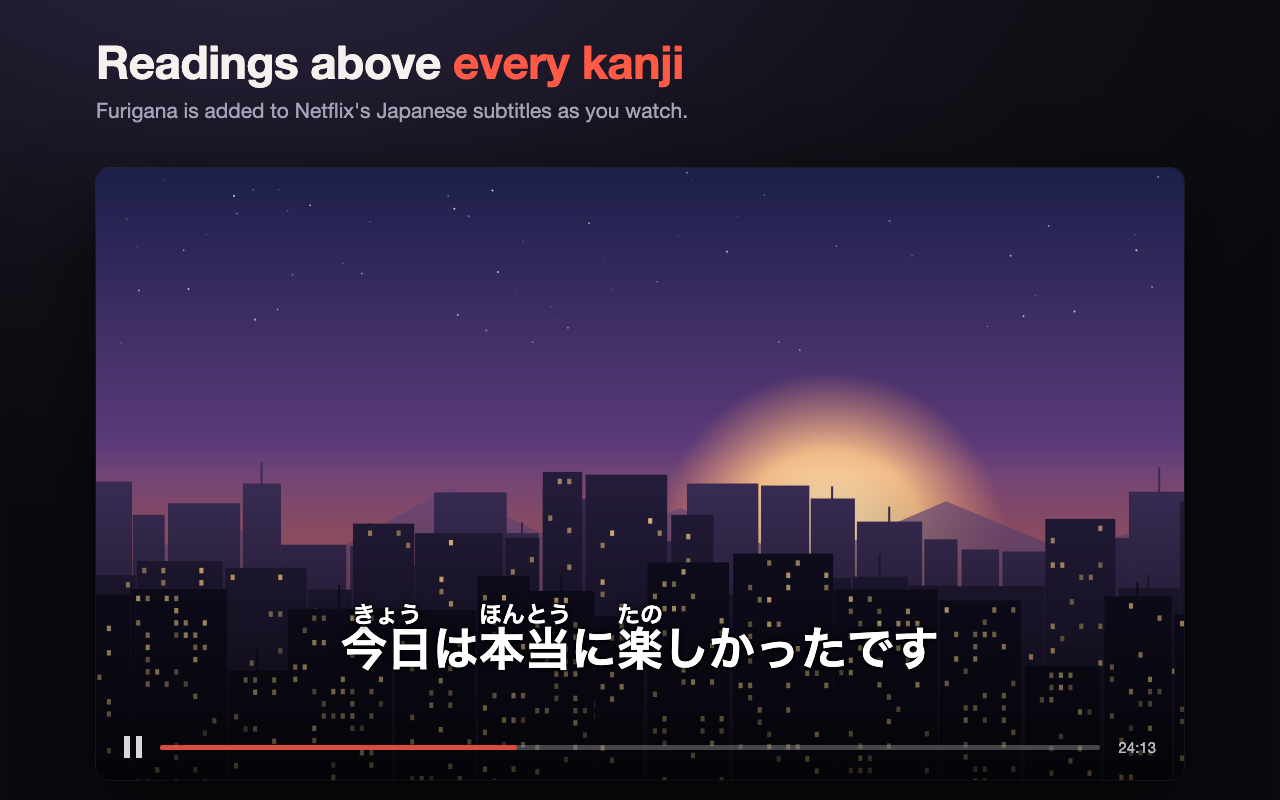
Furigana above every kanji
Readings appear automatically on every Japanese subtitle line, with okurigana kept outside the reading the way it's printed in books. Change the size or switch it off from the toolbar.
A Chrome extension for learning Japanese with the shows you already watch. It adds furigana above the kanji in Netflix's Japanese subtitles, shows English alongside them, and explains any word you click.
Add to Chrome, it's free Works in Chrome on desktop. Furigana is free; English and word lookup are Premium.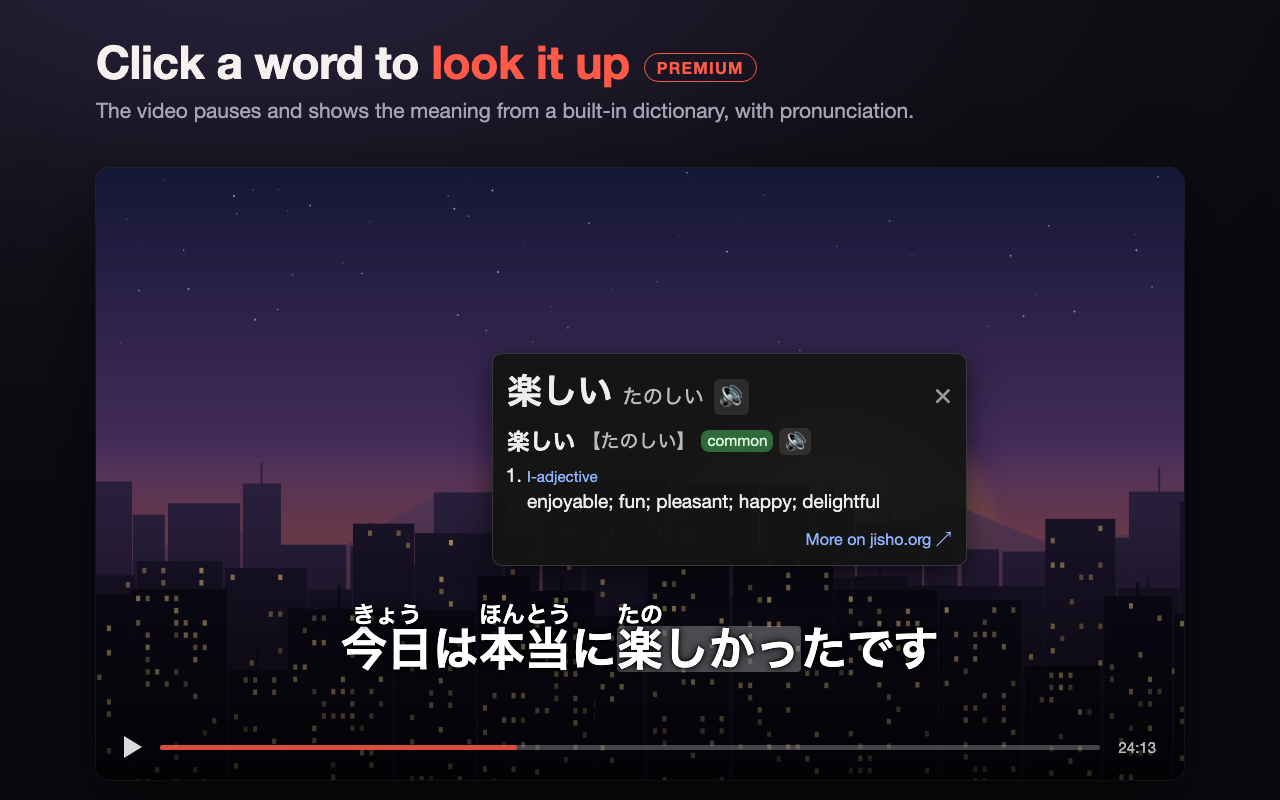
Keep watching and pick up kanji, vocabulary and meaning along the way.
Readings appear automatically on every Japanese subtitle line, with okurigana kept outside the reading the way it's printed in books. Change the size or switch it off from the toolbar.
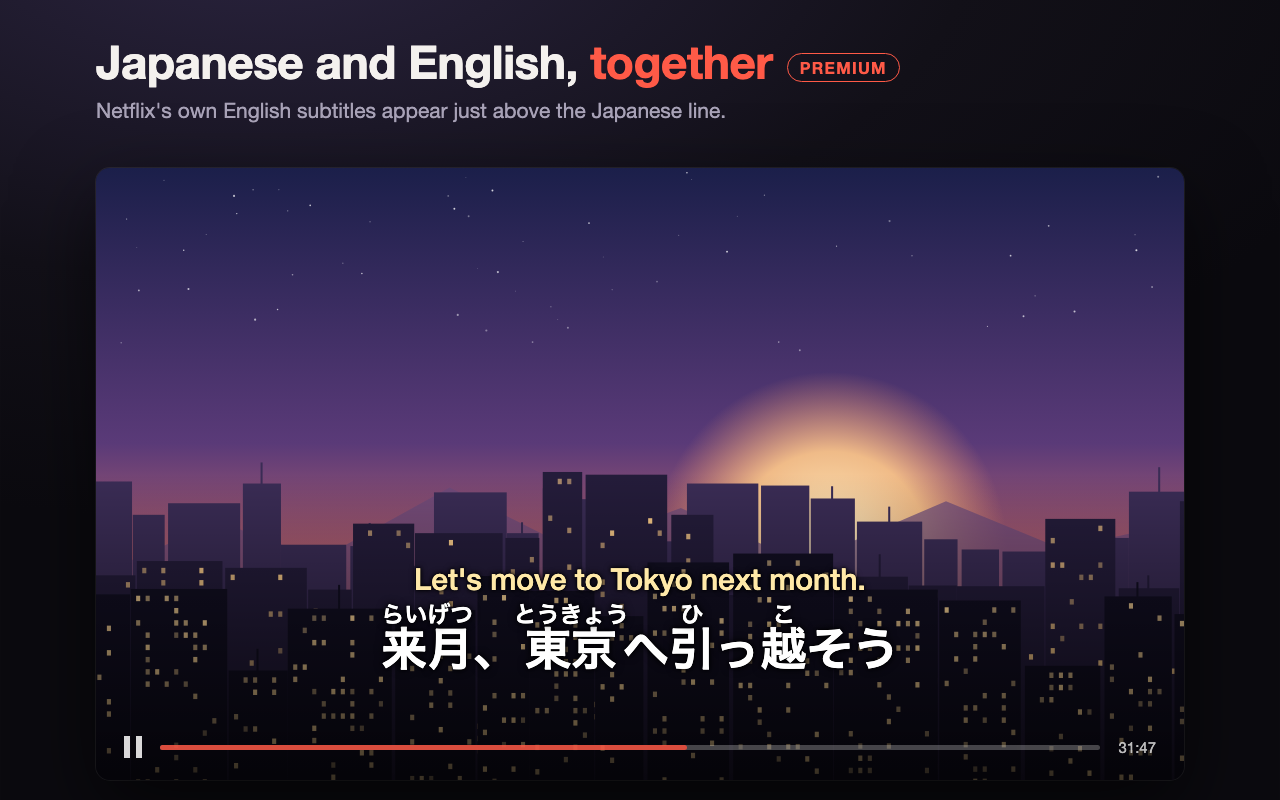
Netflix only shows one subtitle track at a time. Furigana Subtitles shows Netflix's own English subtitles just above the Japanese line, so you can check the meaning without losing the original.
Click a word and the video pauses. You see its dictionary form, its meanings and its reading, and hear it pronounced. Close the popup and the video carries on.
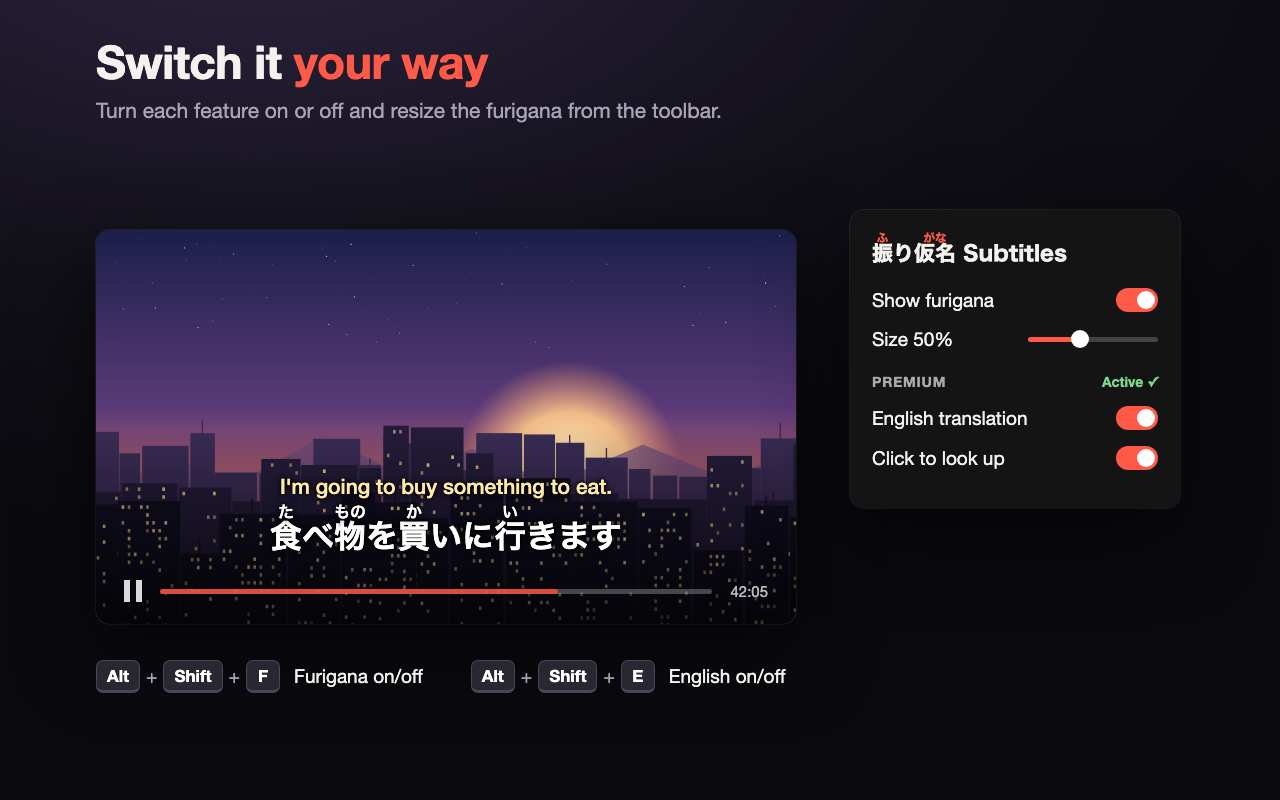
Turn each feature on or off from the toolbar, or use the keyboard while you watch: Alt+Shift+F for furigana and Alt+Shift+E for English.
Start free. Upgrade inside the extension when you want more.
Free forever
Unlock from the extension's toolbar popup
Any Netflix title that has Japanese subtitles. English subtitles appear only when the title also has an English subtitle track.
Readings come from a dictionary, not from the show, so names and some context-dependent readings may occasionally be off.
No. Subtitles are processed in your browser and word lookups use a dictionary built into the extension. There's no tracking and no ads. See the privacy policy for details.
Payments are handled securely by ExtensionPay and Stripe. To upgrade, manage or restore Premium, open the extension's toolbar popup. If you've already paid on another computer, choose "Already paid? Log in".
Email leo.t.nozawa@gmail.com and you'll get a reply as soon as possible.